How to download and install a package
- After a package is successfully created, click on the package name from the
Latest packagessection. The package details page will be opened - Click on the
Download and installbutton corresponding to the environment you wish to download and install the package
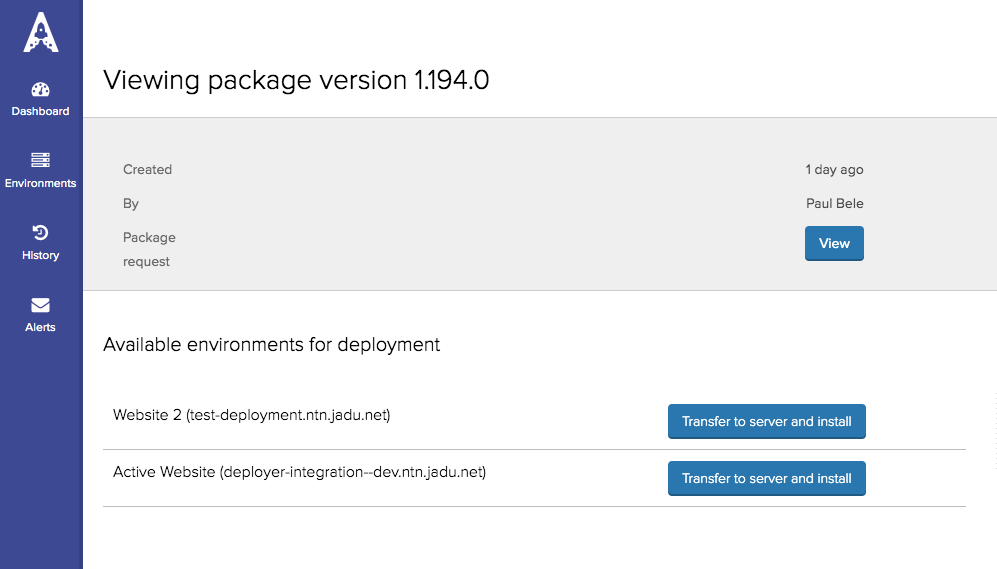
- After you clicked on
Download and installbutton you are presented with a confirmation page showing the package and environment you wish to install to. - After you confirmed that the package and environment are correct, click on
Download and install
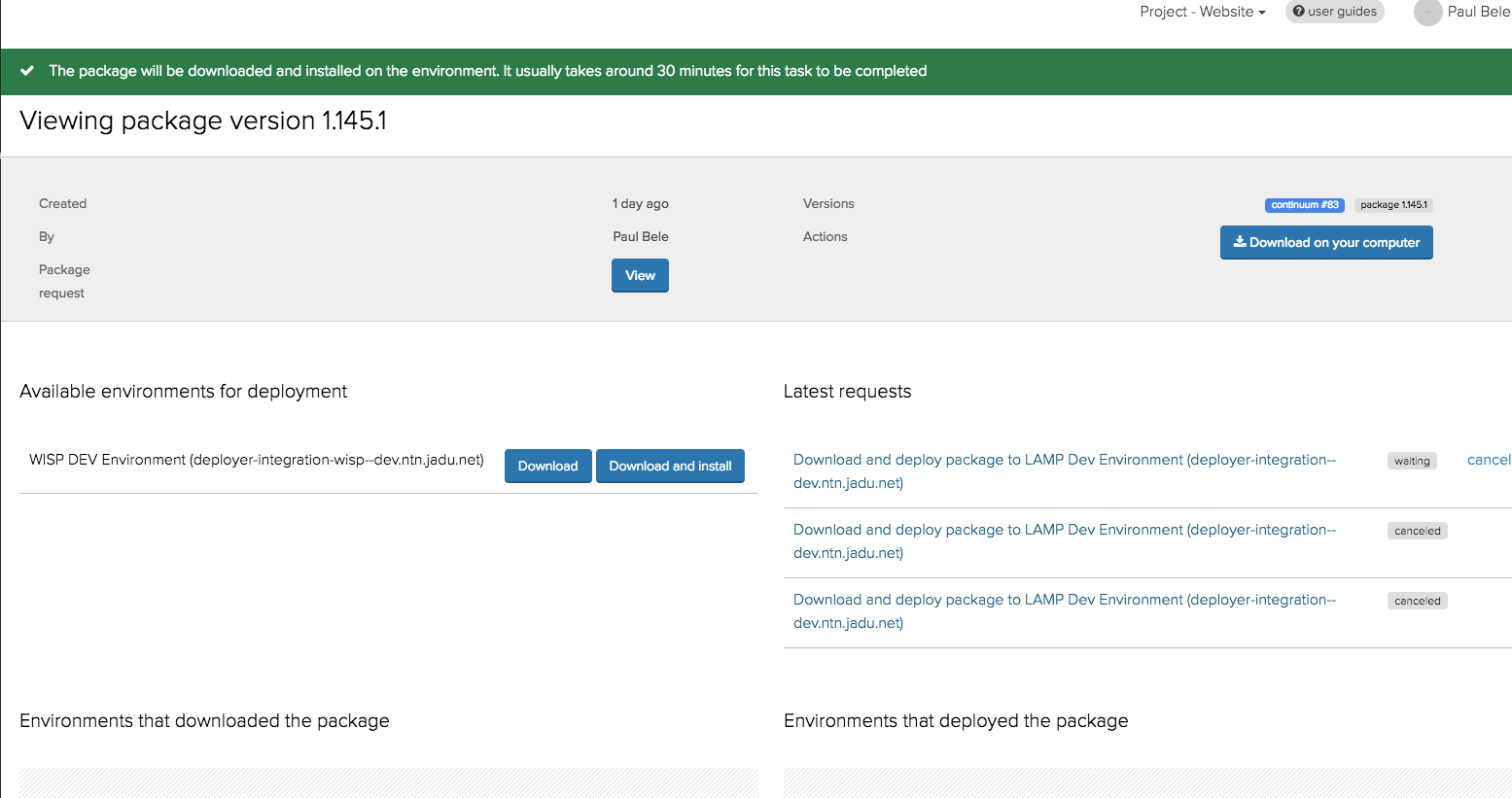
A new environment request is created that is located in the
Latest Requests.Click on environment request title to view the details